
HAZE Apps·Web app·Free
PatchPrint
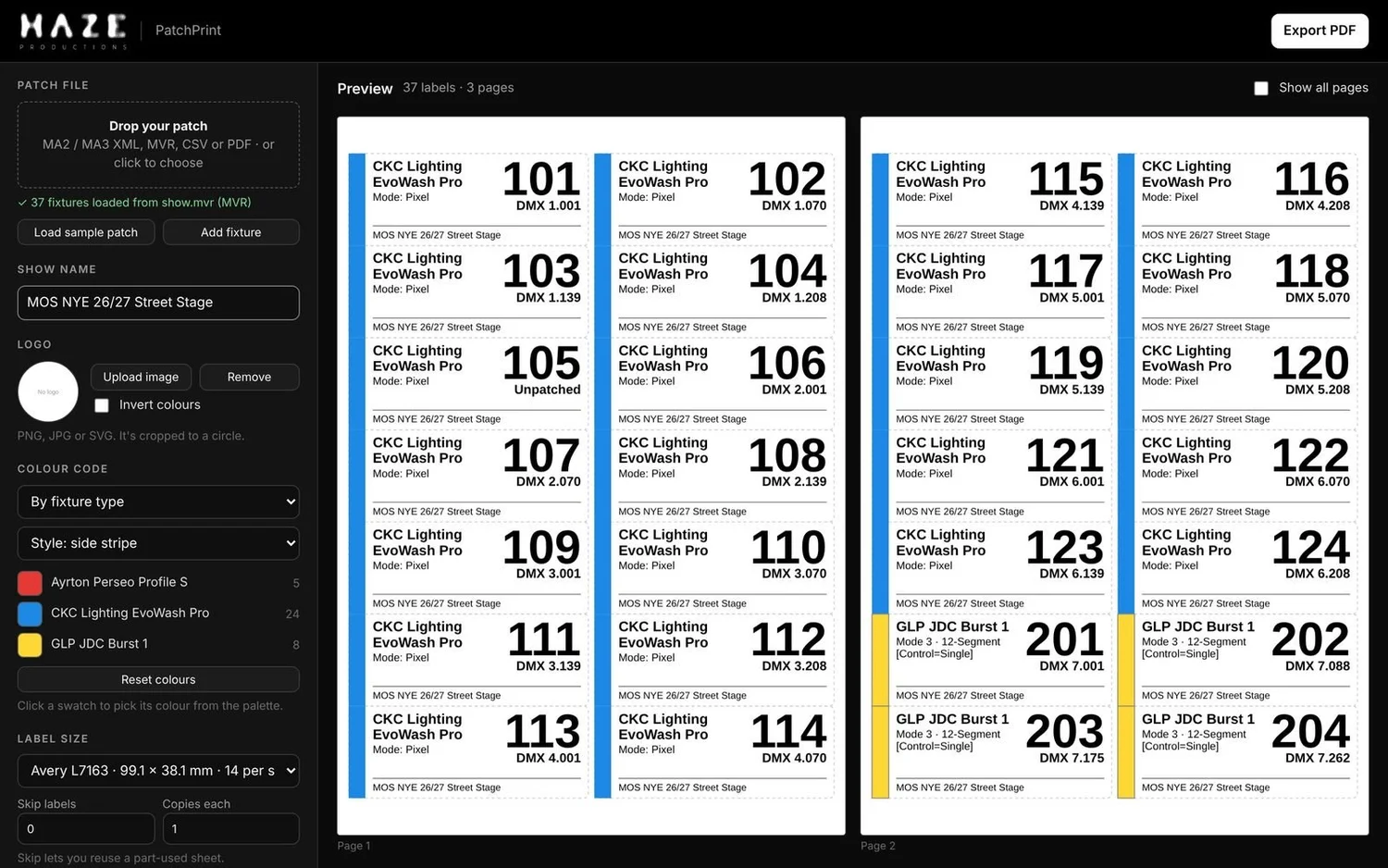
Fixture labels, straight from your patch. Drop in a grandMA2 or grandMA3 patch, an MVR, a CSV or a PDF patch sheet, and every fixture becomes a print-ready label.
Free · Runs in your browser, nothing to install.
Imports
Reads the files you already have
No retyping your patch. Export it from your console or previz software and drop it in.
How it works
Patch in. Labels out.
01
Drop your patch
PatchPrint finds every fixture, with its number, type, mode and address. For PDFs it shows you the columns it found so you can check them first.
02
Make them yours
Add the show name and your company logo. Colour code by fixture type or by loom, as a side stripe or full colour.
03
Export and print
Get a PDF laid out for your label stock, ready for the office printer or a label printer in the truck.
On every label
Readable from the deck
Laid out so the crew can read it from a ladder or a truss, in daylight or under work lights.
- Fixture ID as the big number
- DMX universe.address right underneath
- Fixture type and mode, wrapped to fit
- Show name and your logo on every label
- Colour coding by fixture type or loom, from a full palette
Label stock
Prints on the labels you already stock
Pick your stock and the PDF lines up with it. Part-used sheet? Skip the labels you've already peeled off.
Questions
Good to know
Can it open my MA showfile?
Not directly. MA keeps the showfile format private. Export your patch instead: XML layers from grandMA2, or MVR from grandMA3.
Where do my files go?
Nowhere. PatchPrint reads your patch and builds the PDF inside your browser, so your show data stays on your computer.
Will it read a scanned patch sheet?
PDFs need to come straight from software like Capture or Lightwright. A scan or photo of paper has no text to read.
Something not reading right?
Send the file to support@hazeproductions.com.au and we'll take a look.
Label your next rig in minutes.
Open PatchPrint, drop in your patch and print.